How do I set up my club?
Set your club name, timezone, opening hours, slot length and who can see what.
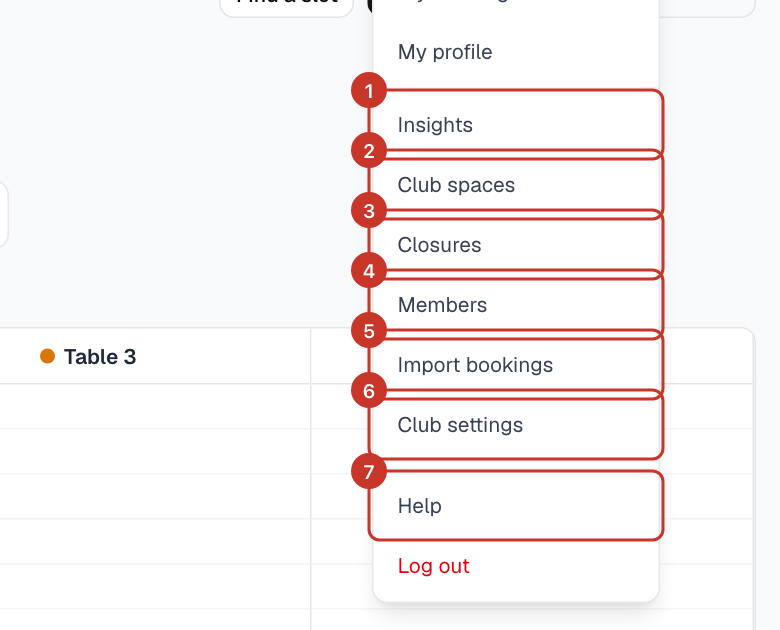
Step 1: Open the menu (☰) and select Club settings. The General tab has your club-wide defaults.
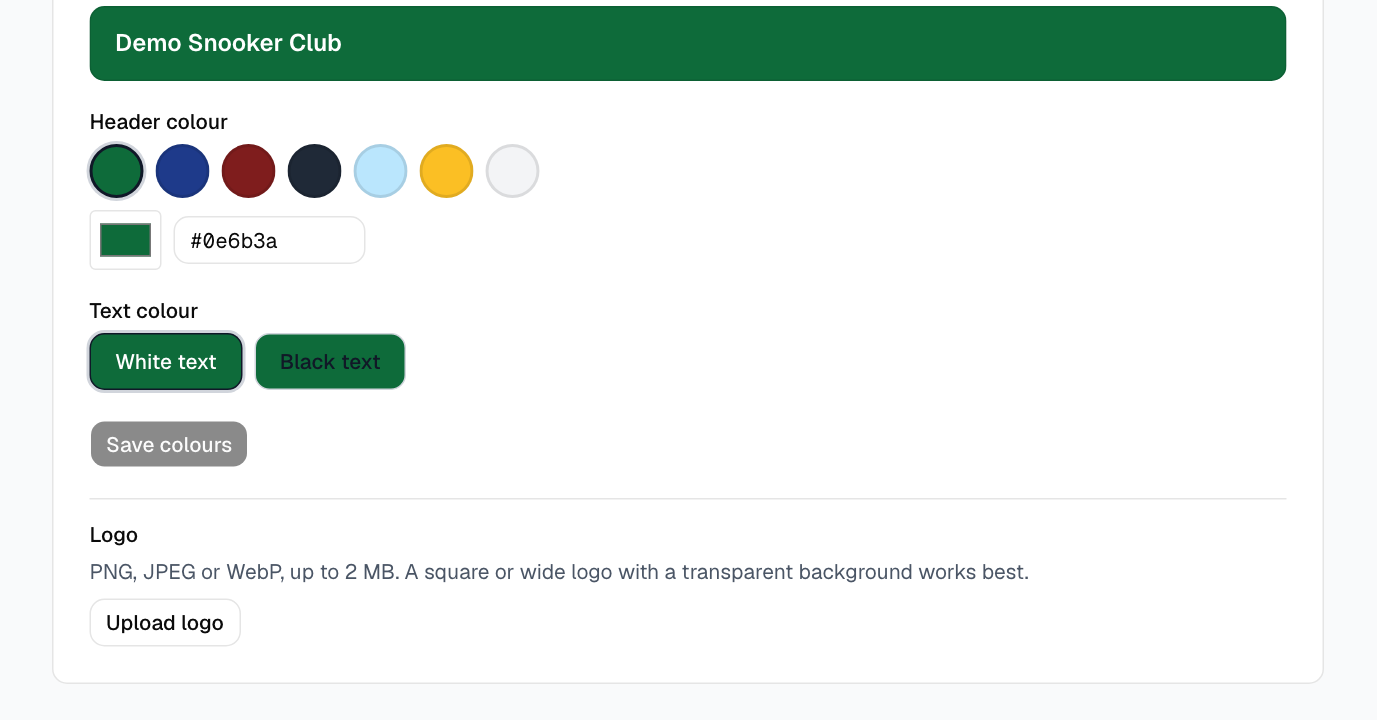
Step 2: Set Club name and Timezone. The current time is shown next to each timezone so you can check you have the right one.
Step 3: Choose Booking granularity — bookings must start and end on multiples of this, for example 30 minutes. Set Default booking length to a multiple of it; this is the end time new bookings start with. Select Save.
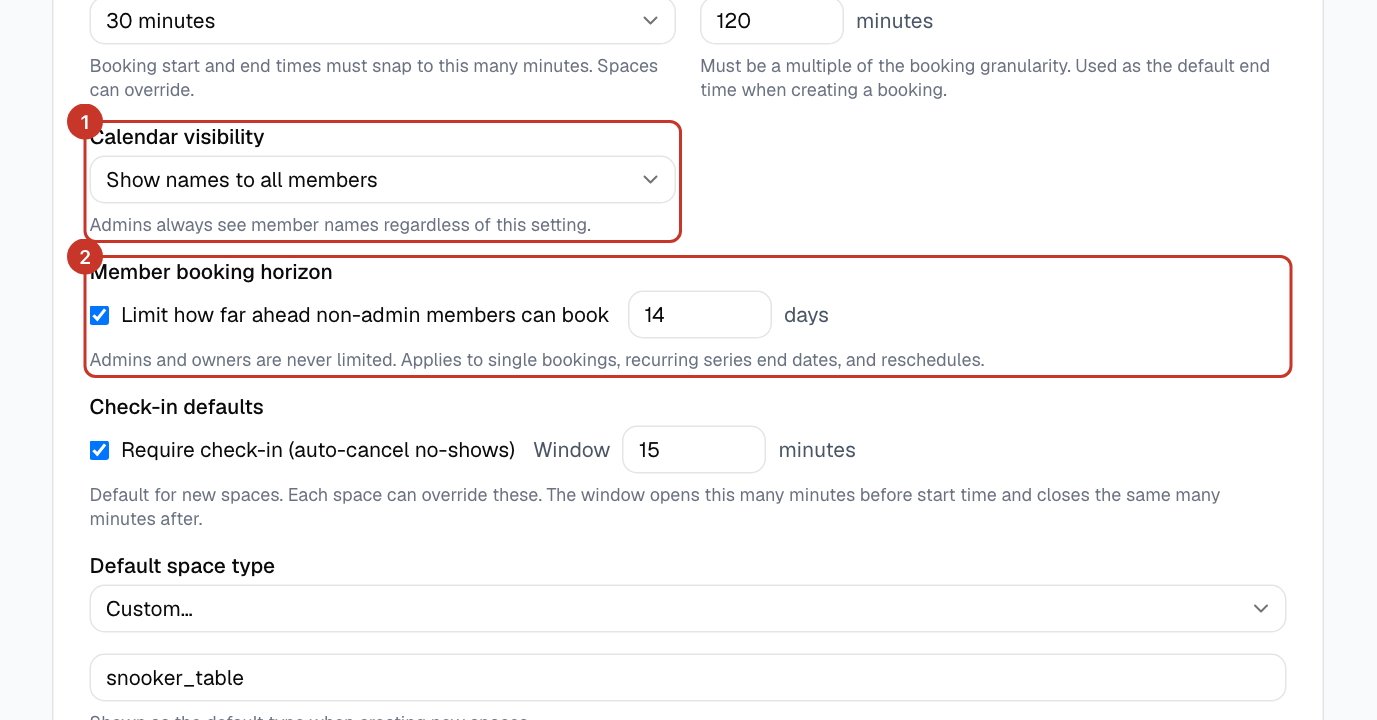
Step 4: Decide who can see what and how far ahead members can book with Calendar visibility and Member booking horizon. See What can other members see?.
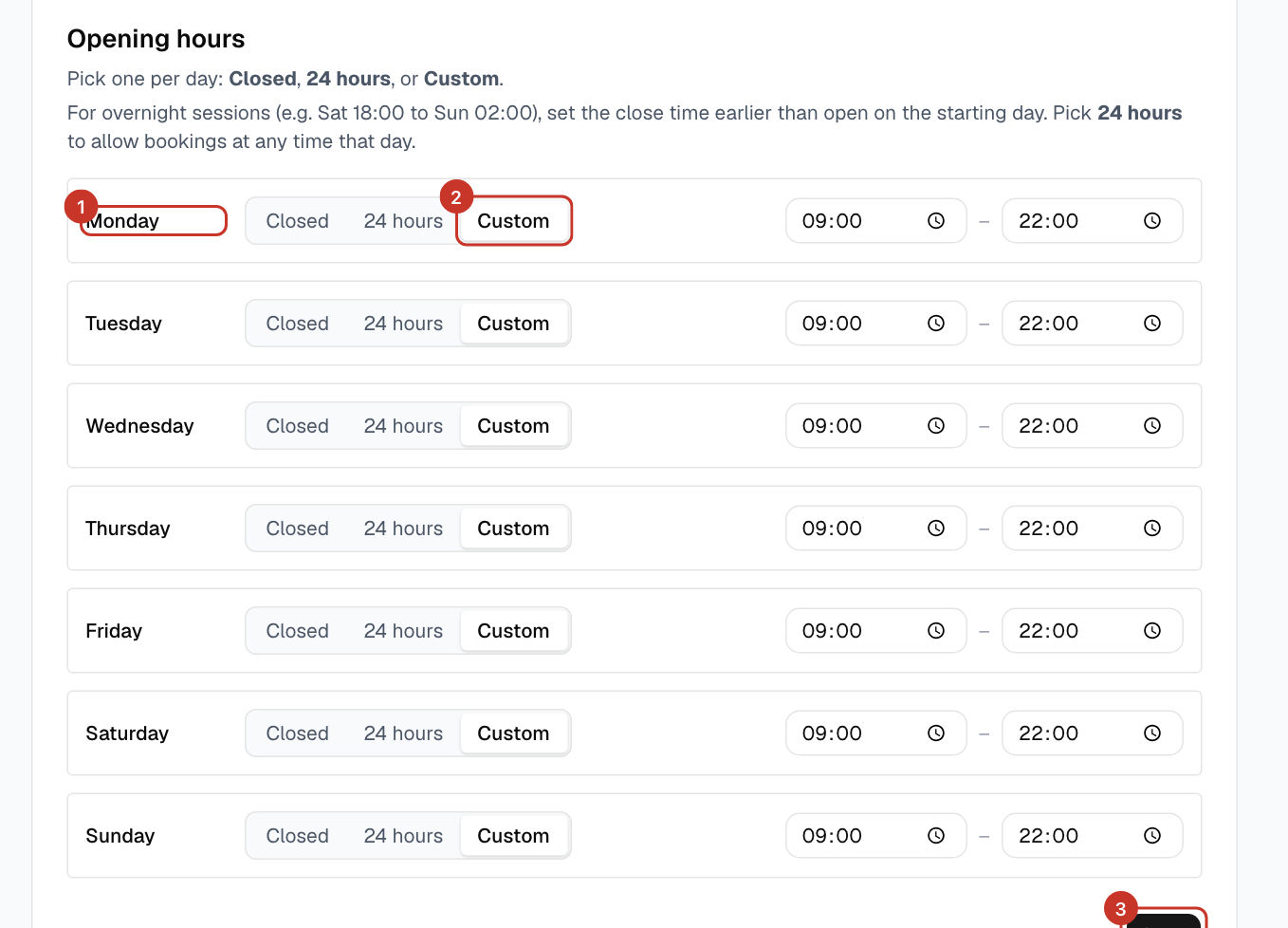
Step 5: Under Opening hours, pick Closed, 24 hours or Custom for each day and set open and close times. For an overnight session, set the close time earlier than the open time. Select the Save button under that card.
What happens next
- New bookings now follow these hours and slot lengths.
- Next, add your tables: How do I add or edit tables?.
If something goes wrong
- The time next to my timezone looks wrong.
- Pick the timezone for the club’s location, for example London (Europe/London) for the UK. Times in emails and on the calendar use it.
- The default booking length will not save.
- It must be a multiple of the booking granularity, so 120 minutes works with 30-minute slots but 100 does not.
- I changed hours but nothing happened.
- The opening-hours card has its own Save button, separate from the club settings above it.