For: Owner, Admin1 min
How do I invite a member?
Send one person an email invitation, or add someone who already has an account.
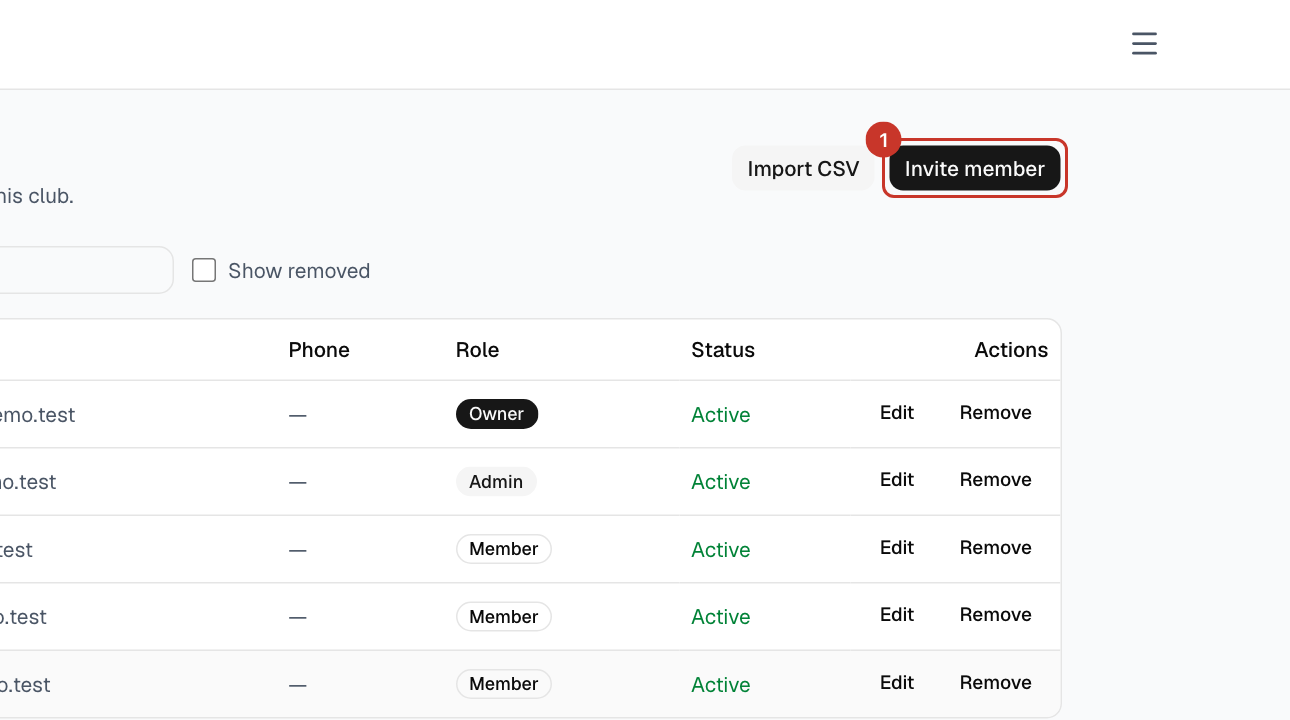
Step 1: Open the menu (☰) and select Members, then select Invite member.
Step 2: Enter their Email, their First name and Last name, and choose a Role: Member, Admin or Owner. Only owners can give the Owner role.
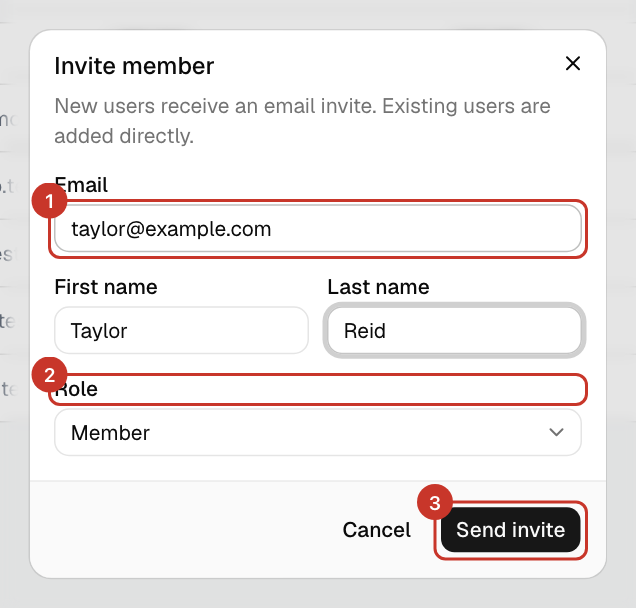
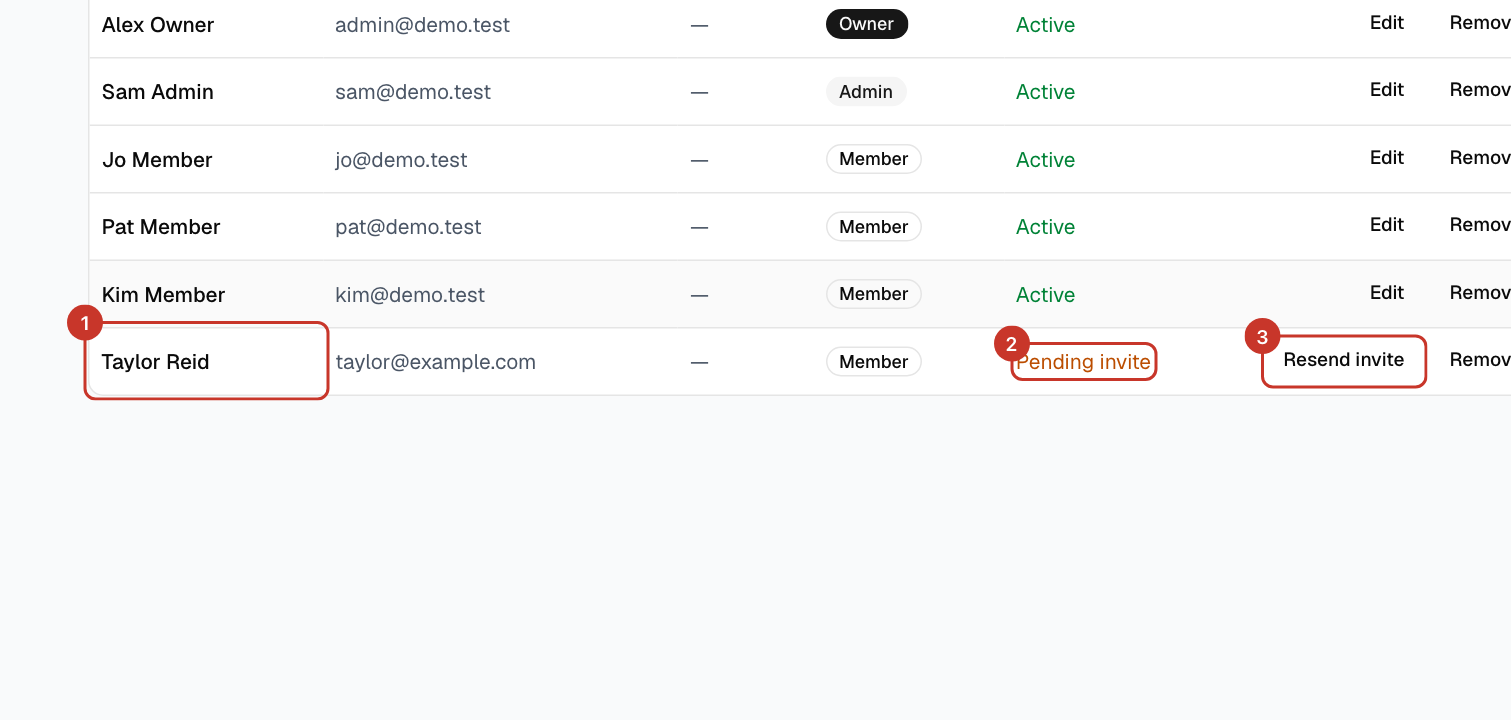
Step 3: Select Send invite. The new person appears in the Members list straight away, marked Pending invite until they accept.
What happens next
- New people get an email from Book A Space with a link to choose a password. The link works for 24 hours. They follow How do I accept my invite?.
- If the email already has an account on the platform, they are added to your club directly.
- Once they accept, Pending invite changes to Active.
If something goes wrong
- It says the person is already a member.
- They are already on the list. Search for them on the Members page and check their role.
- I removed someone and want them back.
- Invite the same email address again to reactivate them. Their past bookings were kept.
- The invite has expired, or the email has not arrived.
- Select Resend invite on their row in the Members list (it appears while the status is Pending invite). You will see Invite resent to and their address. Ask them to check spam for an email from Book A Space, and check the address on the list is right.