For: Owner, Admin2 min
How do I close a table or the club?
Block time for repairs, events or reduced capacity, and tell the members affected.
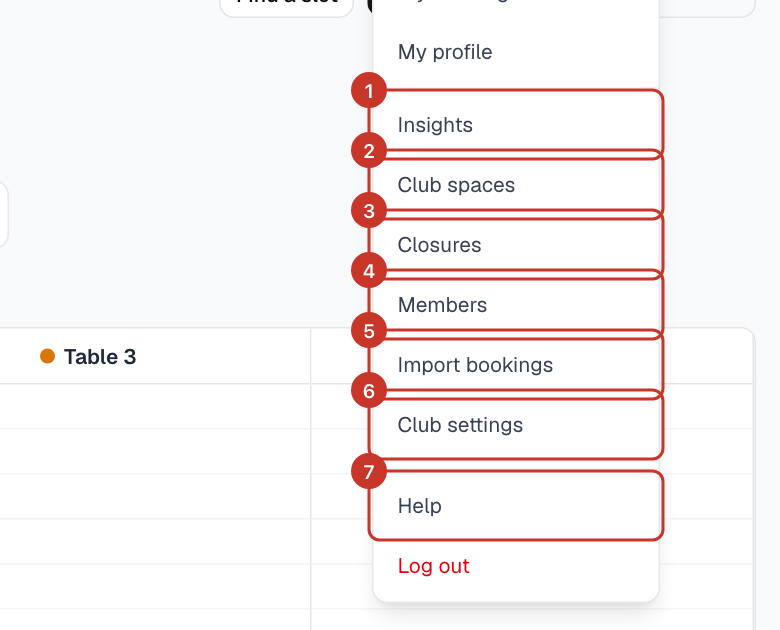
Step 1: Open the menu (☰) and select Closures.
Step 2: Under Add a closure, choose Spaces: Whole club or specific tables.
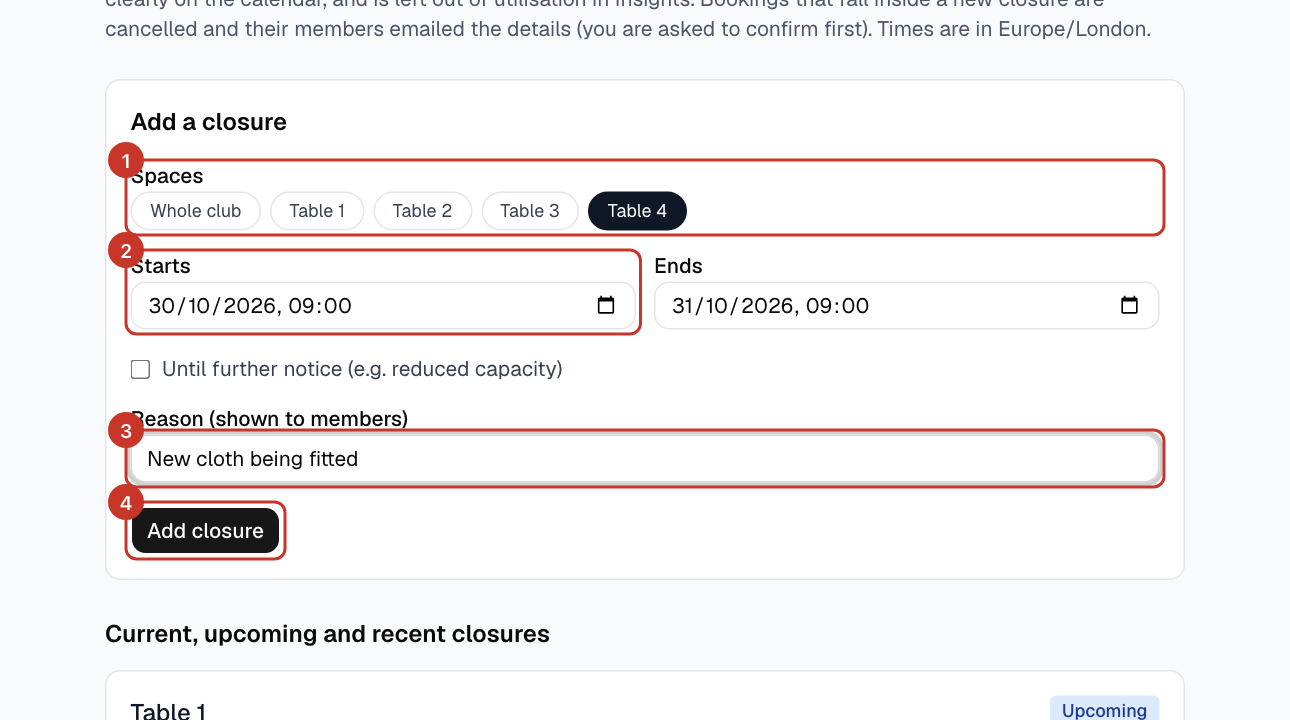
Step 3: Set Starts and Ends, or tick Until further notice (e.g. reduced capacity) if there is no end date.
Step 4: Enter a Reason (shown to members), such as New cloth being fitted, and select Add closure.
Step 5: If bookings already fall inside the closure, you are asked to confirm first. Those bookings are cancelled and their members emailed the details.
What happens next
- Closed time cannot be booked and shows clearly on the calendar.
- Closed time is left out of utilisation in Insights.
- Use Edit or Delete in the list to change or lift a closure.
If something goes wrong
- I lifted a closure but bookings did not come back.
- Bookings cancelled by a closure stay cancelled. Members can make new ones.