For: Member1 min
What can other members see about my booking?
Whether names show on the calendar depends on your club’s privacy setting.
Step 1: Your club chooses one of two settings for the calendar: Show names to all members, or Free/Busy (hide member names).
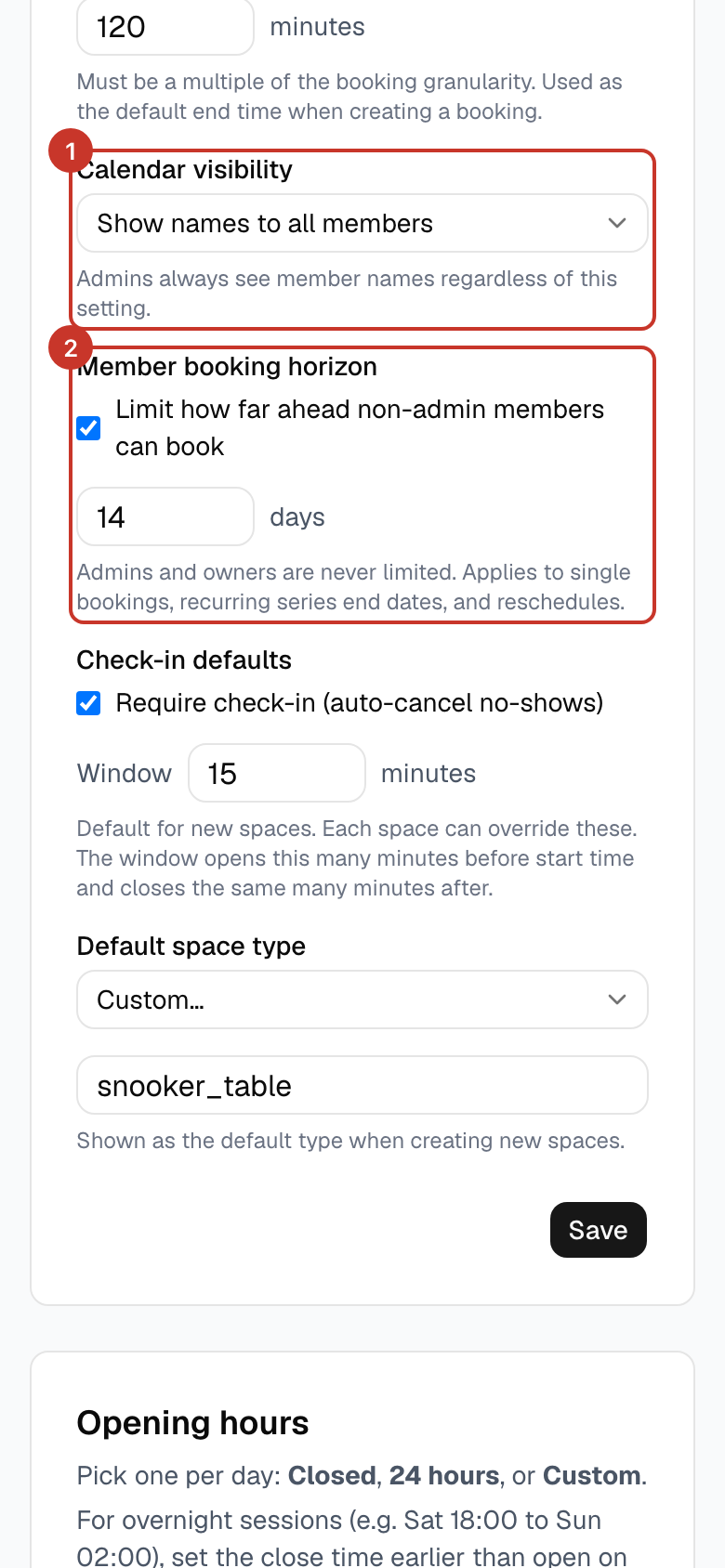
Step 2: With Free/Busy, other members just see that a table is taken, not who is playing.
Step 3: A booking Title, if you add one, is visible to all members either way. Leave it blank if you do not want one shown.
Step 4: Club admins always see member names. A guest’s phone number, if you add one, is only visible to admins.
What happens next
- Only the club admin can change the setting.
If something goes wrong
- I can see names but would rather they were hidden.
- Ask a club admin to switch the calendar to Free/Busy.