For: Owner2 min
How do I hand the club to a new owner?
Pass ownership to another member; you become an admin.
Step 1: Open Club settings from the menu (☰) and select the Advanced tab. Scroll to Transfer ownership.
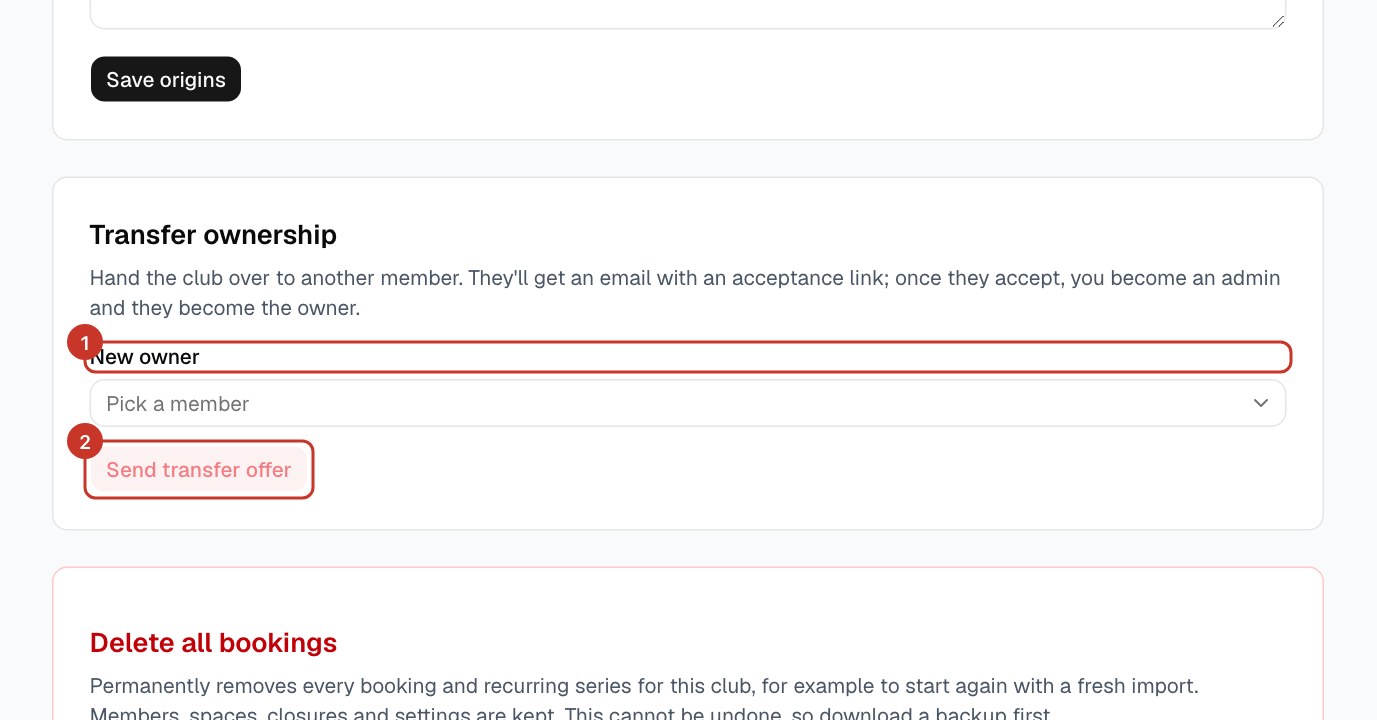
Step 2: Choose the New owner from the list, then select Send transfer offer.
Step 3: A Confirm ownership transfer window opens. Tick Pass my Twilio credentials to the new owner if you want your SMS setup to carry on working. If you leave it unticked, the Twilio credentials are cleared when they accept. Confirm to send the offer.
What happens next
- The person you chose gets an email with an acceptance link.
- Once they accept, they become the owner and you become an admin.
- While the offer is waiting, Transfer ownership shows who it was sent to and a Cancel pending transfer button.
If something goes wrong
- I do not see Transfer ownership.
- Only the club owner can transfer ownership.
- I sent it to the wrong person.
- Nothing changes until they accept. Select Cancel pending transfer, then send a new offer to the right person.