For: Member2 min
How do I accept my invite and set a password?
Open the invitation email from your club and choose a password.
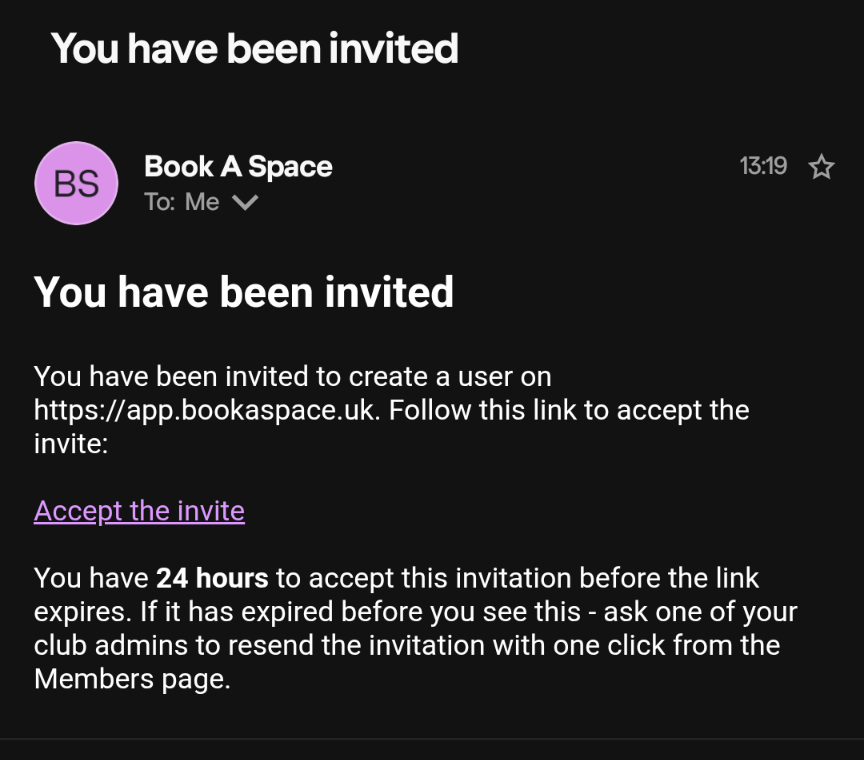
Step 1: Open the email from Book A Space with the subject You have been invited, and select Accept the invite.
Step 2: The page says Verifying your link… for a moment, then shows Set your password.
Step 3: Type a password of at least 8 characters into New password, then type it again into Confirm password.
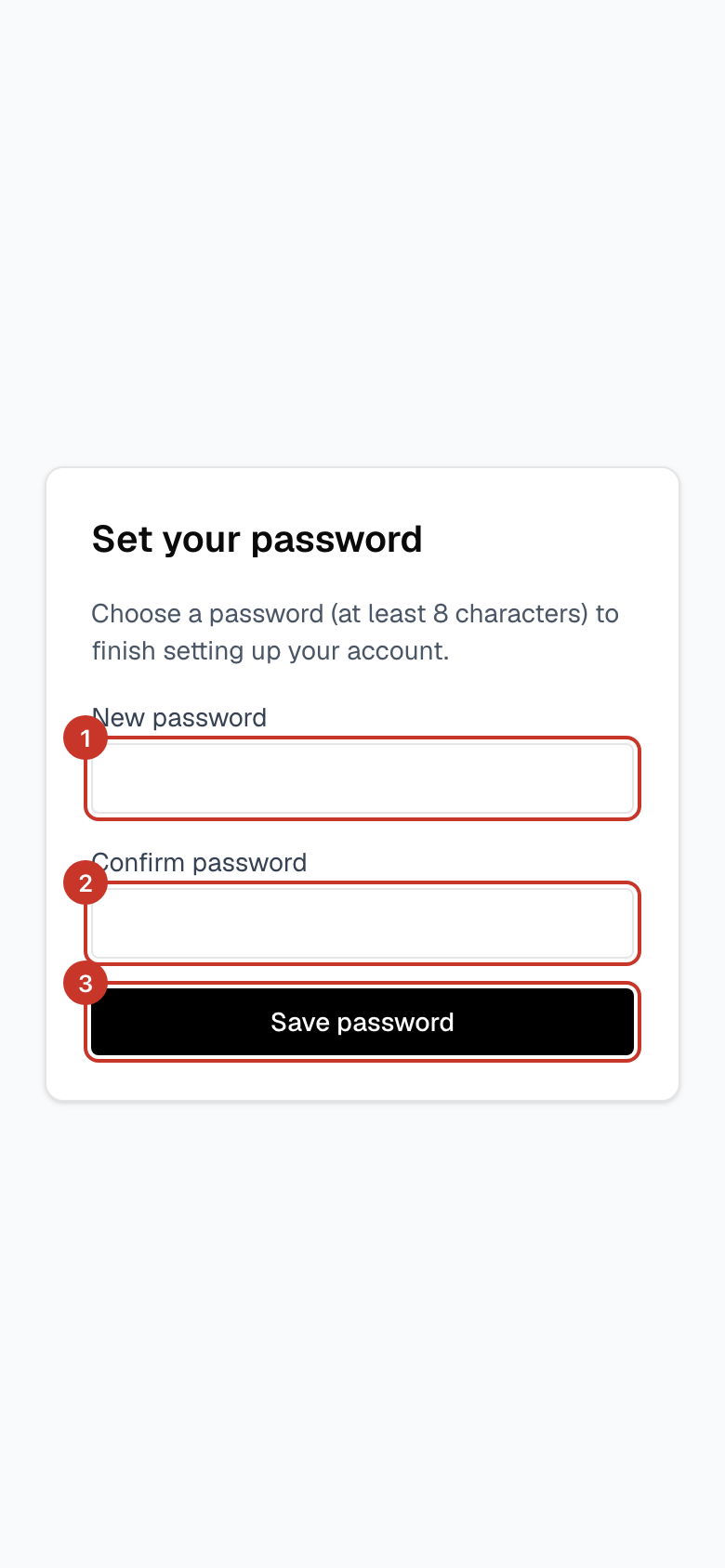
Step 4: Select Save password. You are signed in and taken to your club.
What happens next
- Next time, sign in with your email address and the password you just chose.
- Add your mobile number so you can get booking reminders: How do I update my details and phone number?.
If something goes wrong
- The link says it has expired or does not work.
- Invite links last 24 hours. Ask a club admin to select Resend invite next to your name on the Members page, which sends you a fresh email. You can also go to the sign-in page, select Forgot password? and use the same email address.
- The passwords do not match.
- The page shows Passwords do not match. Retype both boxes carefully — they must be identical.
- I never received the email.
- Check spam or junk for an email from Book A Space. Make sure the club has your correct email address, then ask an admin to check it on the Members page and use Resend invite.