For: Member1 min
Where are my bookings?
See every booking you are on, for the next month.
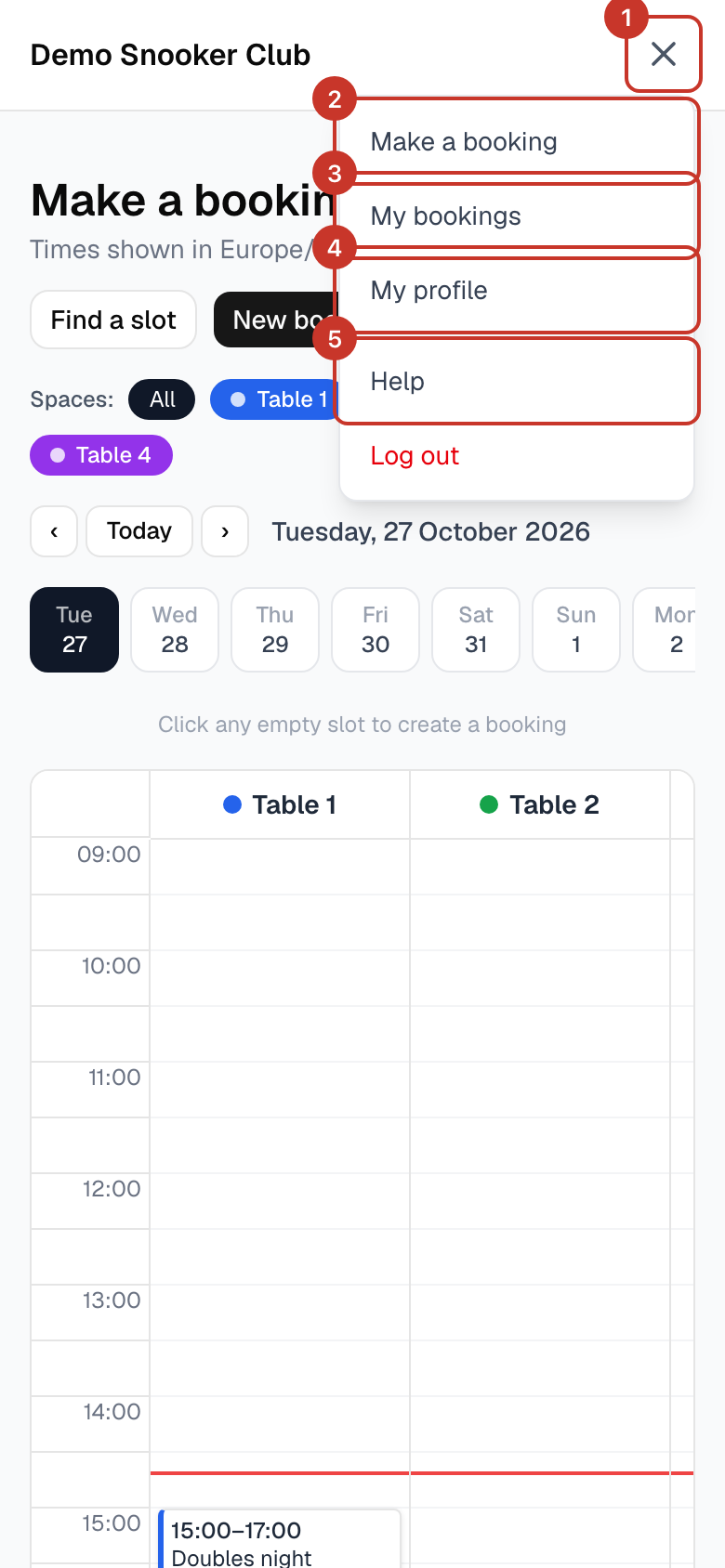
Step 1: Open the menu (☰) and select My bookings.
Step 2: Each row shows the date, time, who is on it and the table. The window starts at today and covers 30 days; use the arrows or Today to move it.
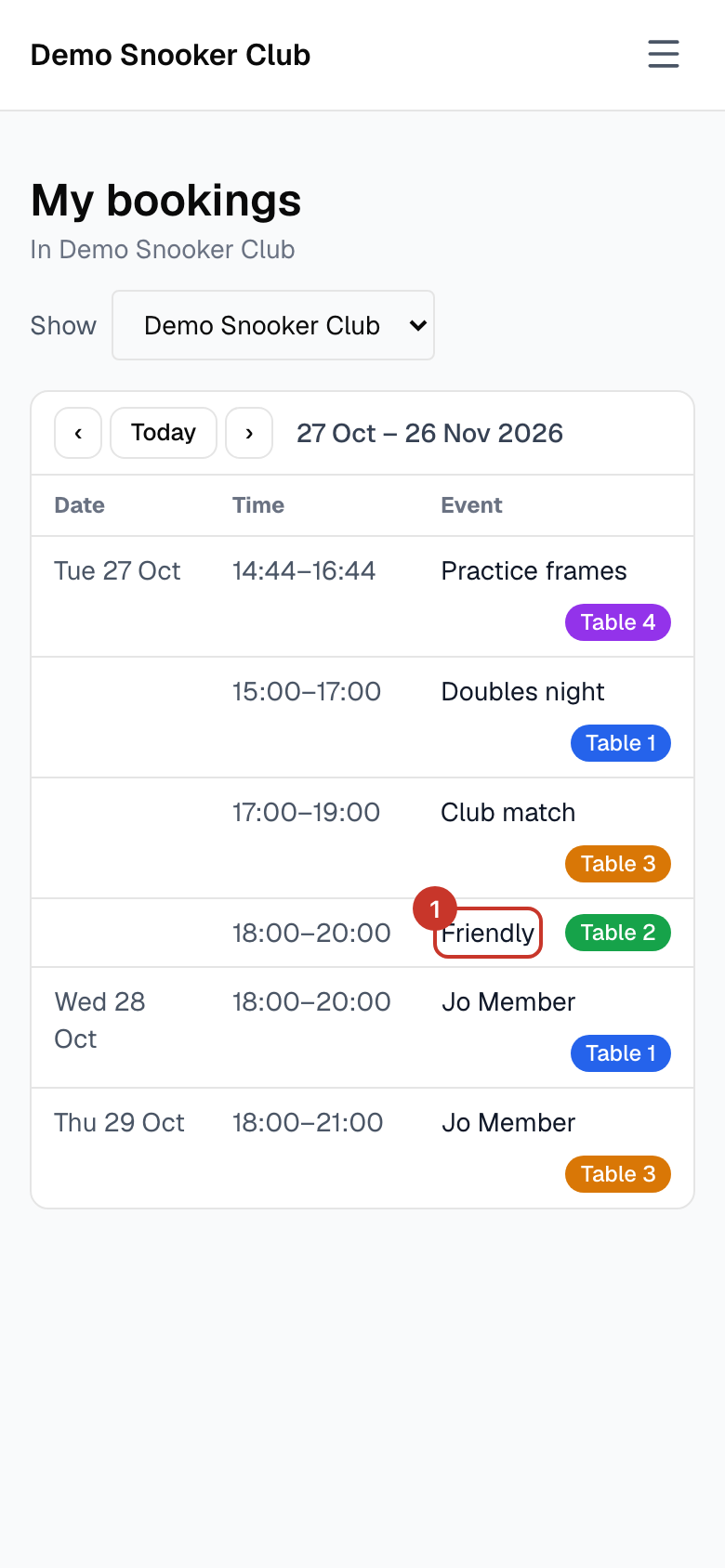
Step 3: If you belong to more than one club, use the Show list to choose which club to see.
Step 4: To change or cancel a booking, open it from the calendar: How do I change or cancel a booking?.
What happens next
- Bookings you were added to by a friend show here as well.
If something goes wrong
- A booking I made is missing.
- Check the date range and the club chosen in Show.