For: Member1 min
How do I find a free table?
Tell the app how long you need and it lists the times that are free.
Step 1: On Make a booking, select Find a slot.
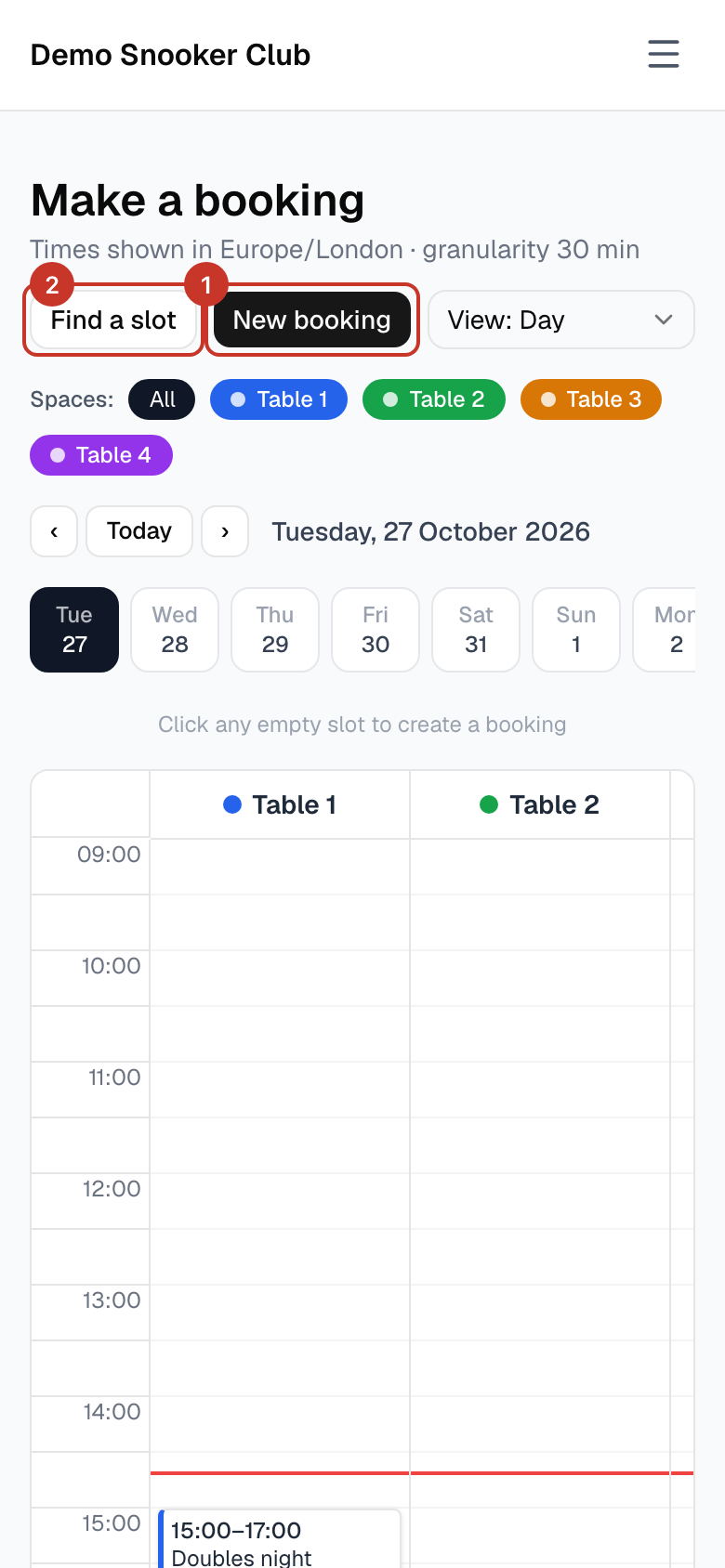
Step 2: Choose Which table? (or Any / don’t mind), How long? and Which day?. Free start times appear under Available slots.
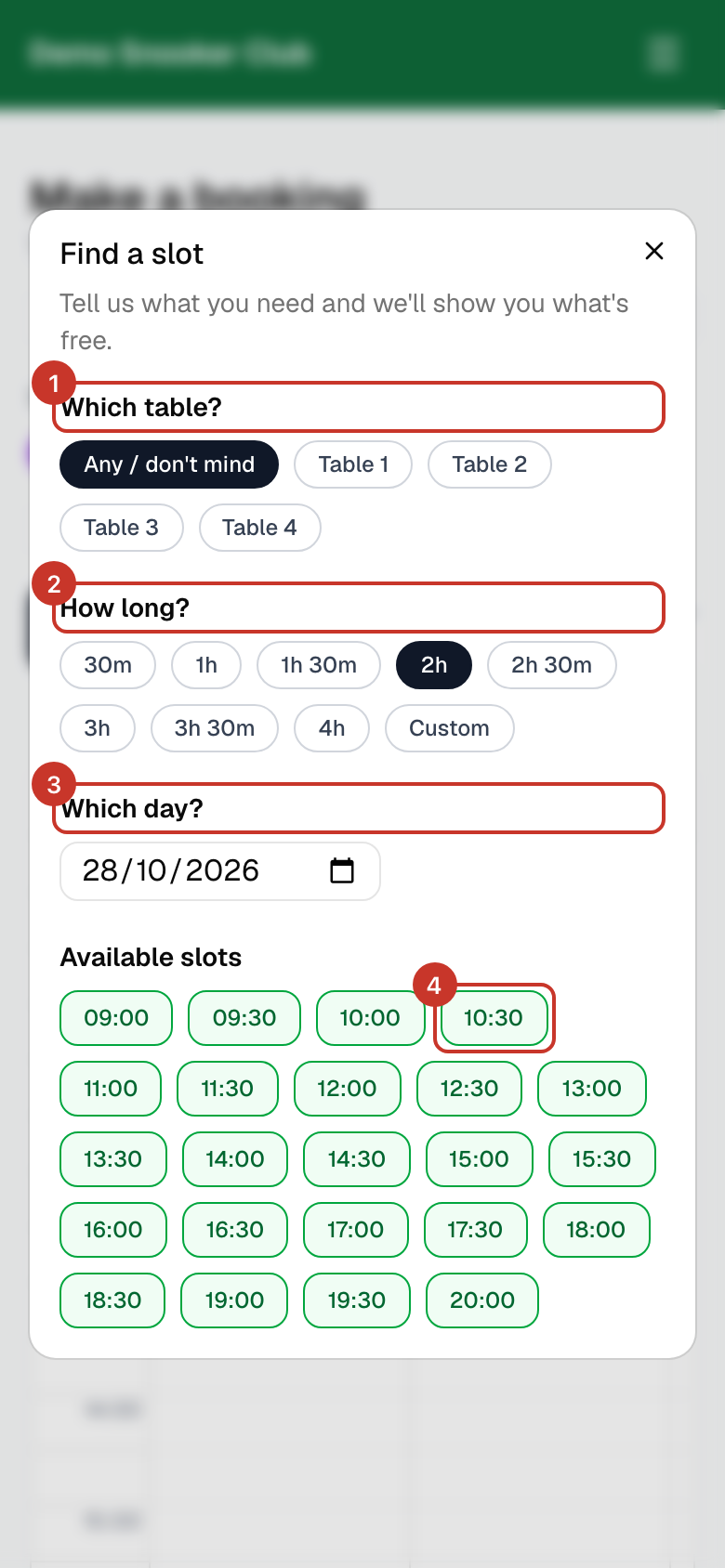
Step 3: Select a time. The New booking window opens with that start time and the length you chose already filled in. Check the table, then select Create booking as in How do I make a booking?.
What happens next
- Only times when a table is free for the whole length you chose are listed.
If something goes wrong
- No slots are listed.
- Nothing is free for that length on that day. Try a shorter length, another table or another day.