For: Member1 min
How do I make a booking?
Pick a table and a time on the calendar and confirm.
Step 1: Open the menu (☰) and select Make a booking. Each column is a table; booked time is shaded.
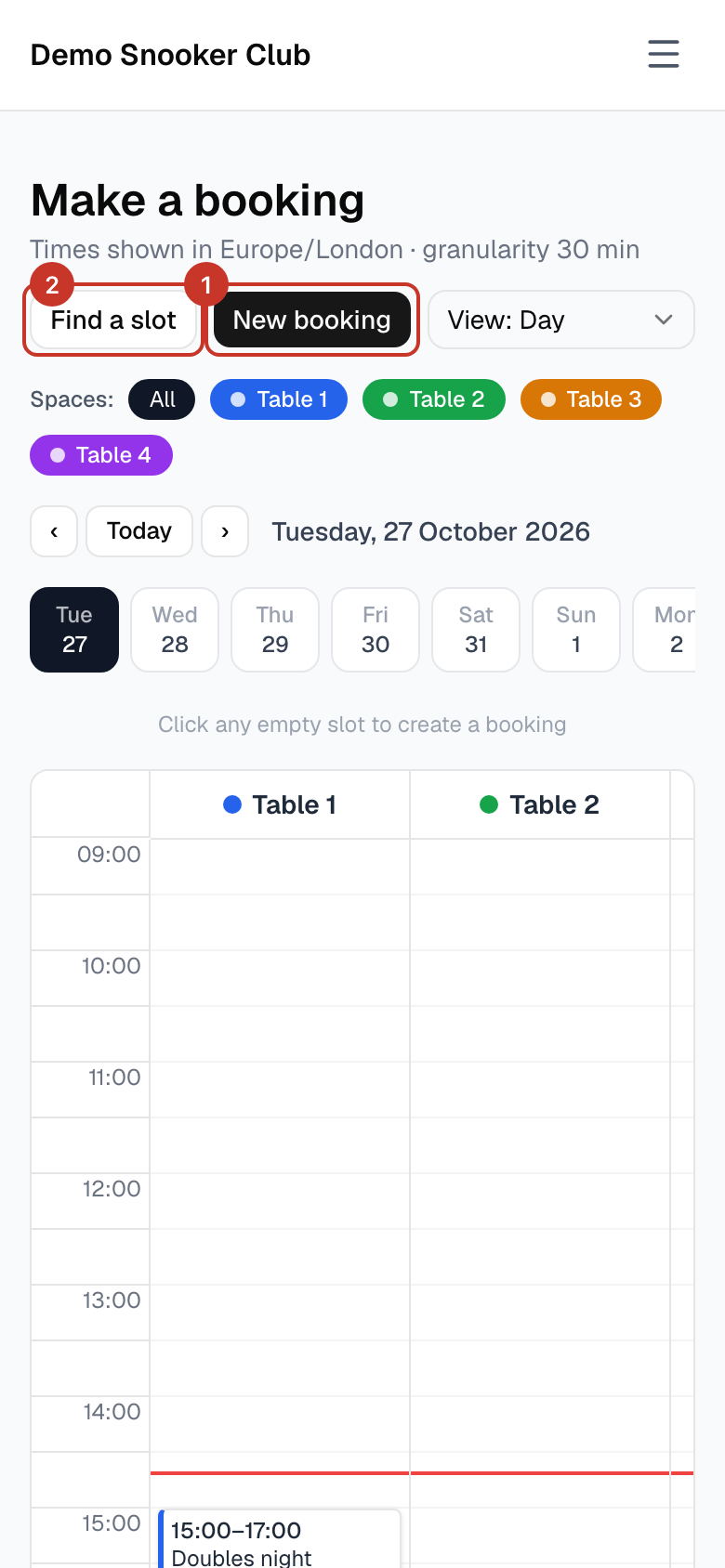
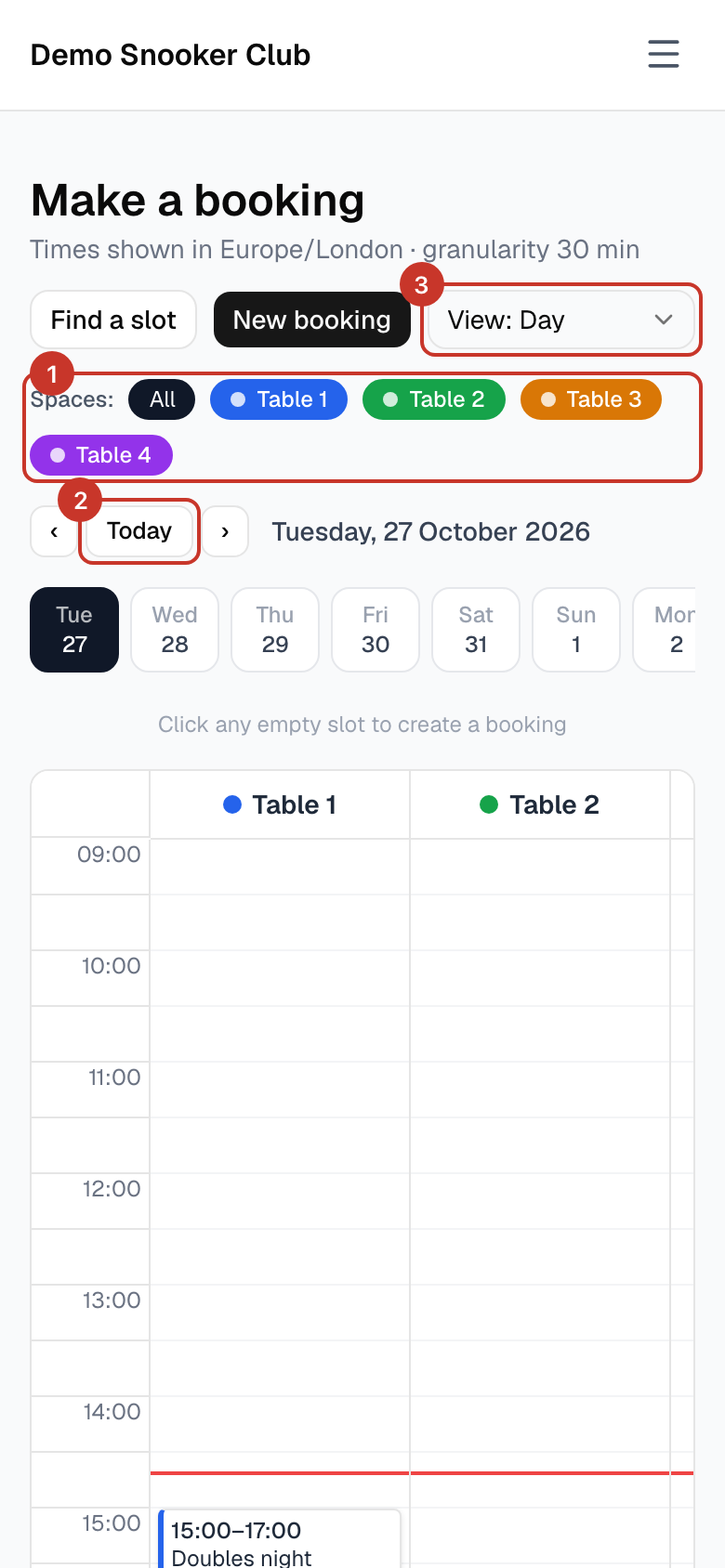
Step 2: Pick the day with the date buttons, or the Today button and arrows. Click any empty slot to start a booking there, or select New booking.
Step 3: In the New booking window, tick one or more Spaces (tables), then check the Start and End times. Times snap to the club’s slot length, usually 30 minutes.
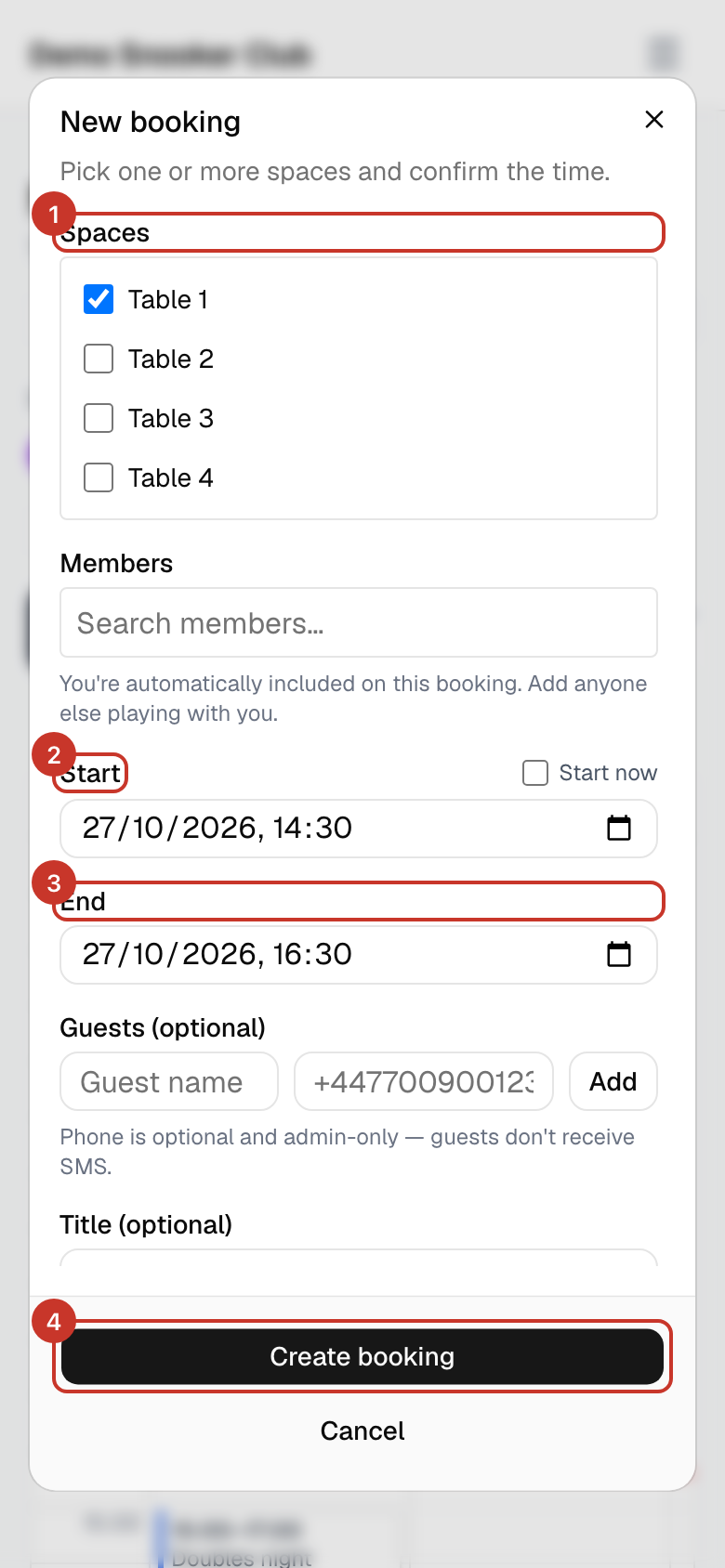
Step 4: Select Create booking. You will see Booking created.
Step 5: Want to play right now? Tick Start now next to Start to begin immediately on a free table.
What happens next
- You get a confirmation email straight away, like the example below.
- The booking appears on the calendar and under My bookings.
Subject
Booking confirmed — Your Club
Hi Jo,

Your booking is confirmed.

Where:  Table 1
When:   Wed 28 Oct 2026, 18:00–20:00 (Europe/London)
Who:    Jo Member

View in calendar: https://app.bookaspace.uk/clubs/your-club/calendar?booking=…
— Your Club
If something goes wrong
- The slot I want is already taken.
- Try Find a slot to see what is free, or another table.
- It will not let me book that far ahead.
- Clubs can limit how far ahead members book. See Why can’t I book that day?.
- My end time changed when I picked the start.
- The end time defaults to your club’s usual booking length. Change End after you set Start.