For: Member1 min
How do I log in, or reset a forgotten password?
Sign in with your email and password, or get a link to choose a new one.
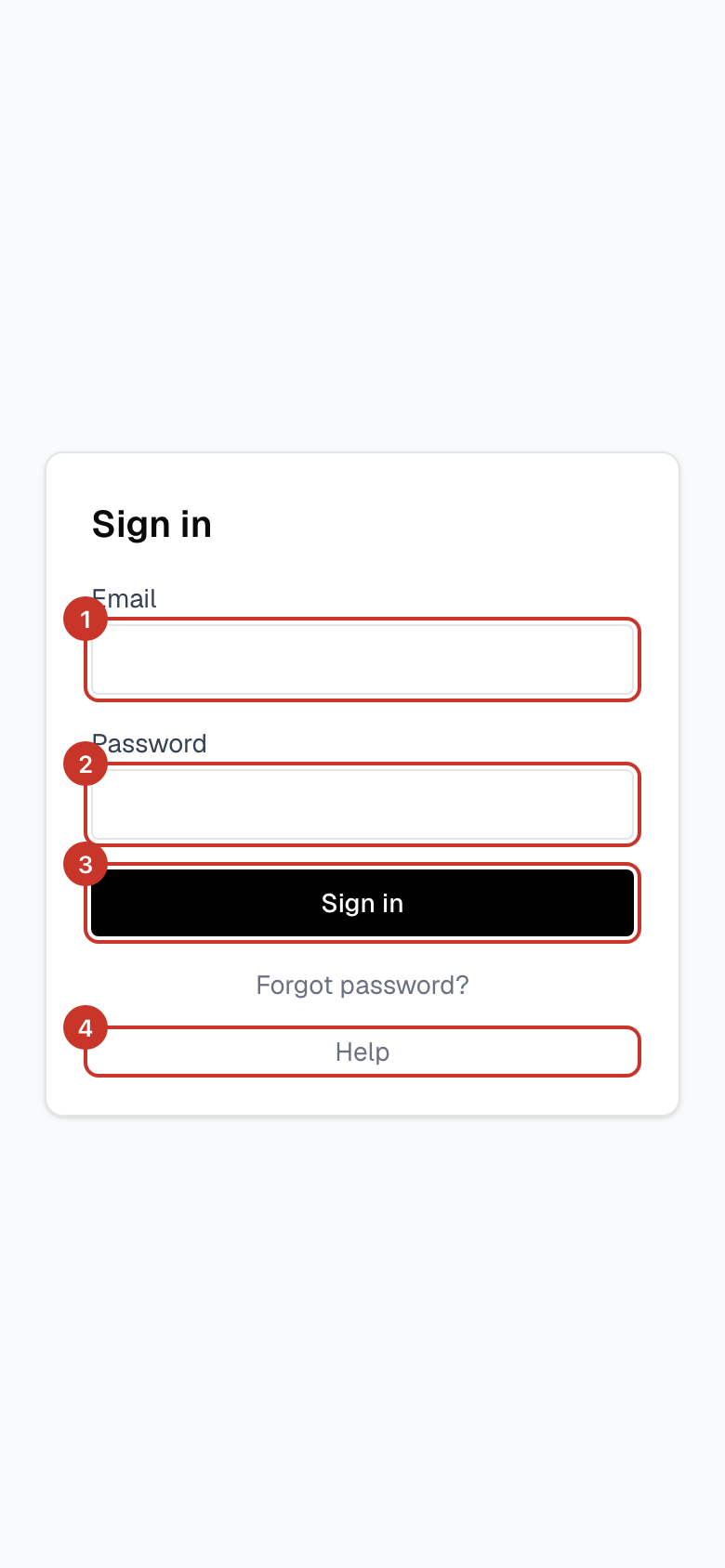
Step 1: Go to the sign-in page. Type your Email and Password, then select the sign-in button. The Help link under the form opens these guides in a new tab.
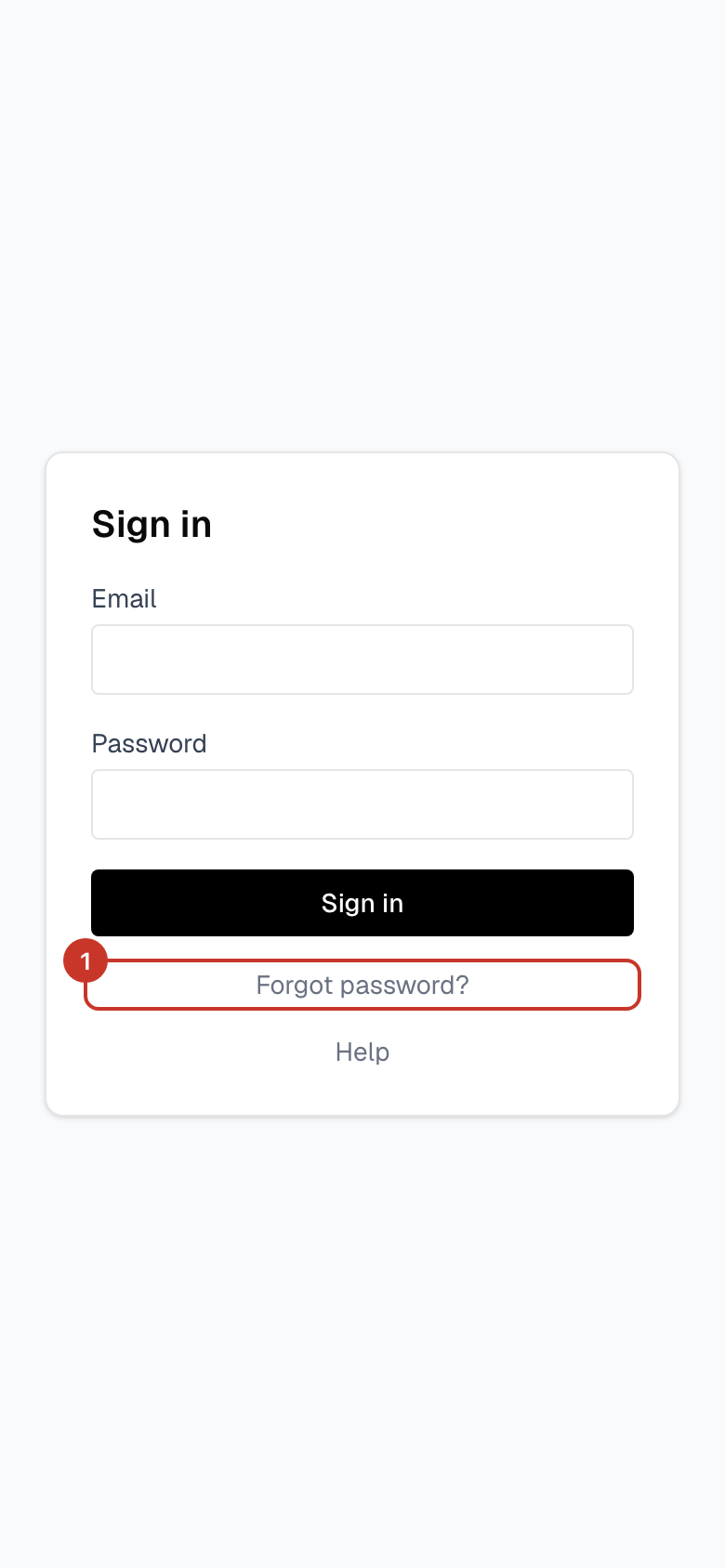
Step 2: Forgotten your password? Select Forgot password? under the sign-in form.
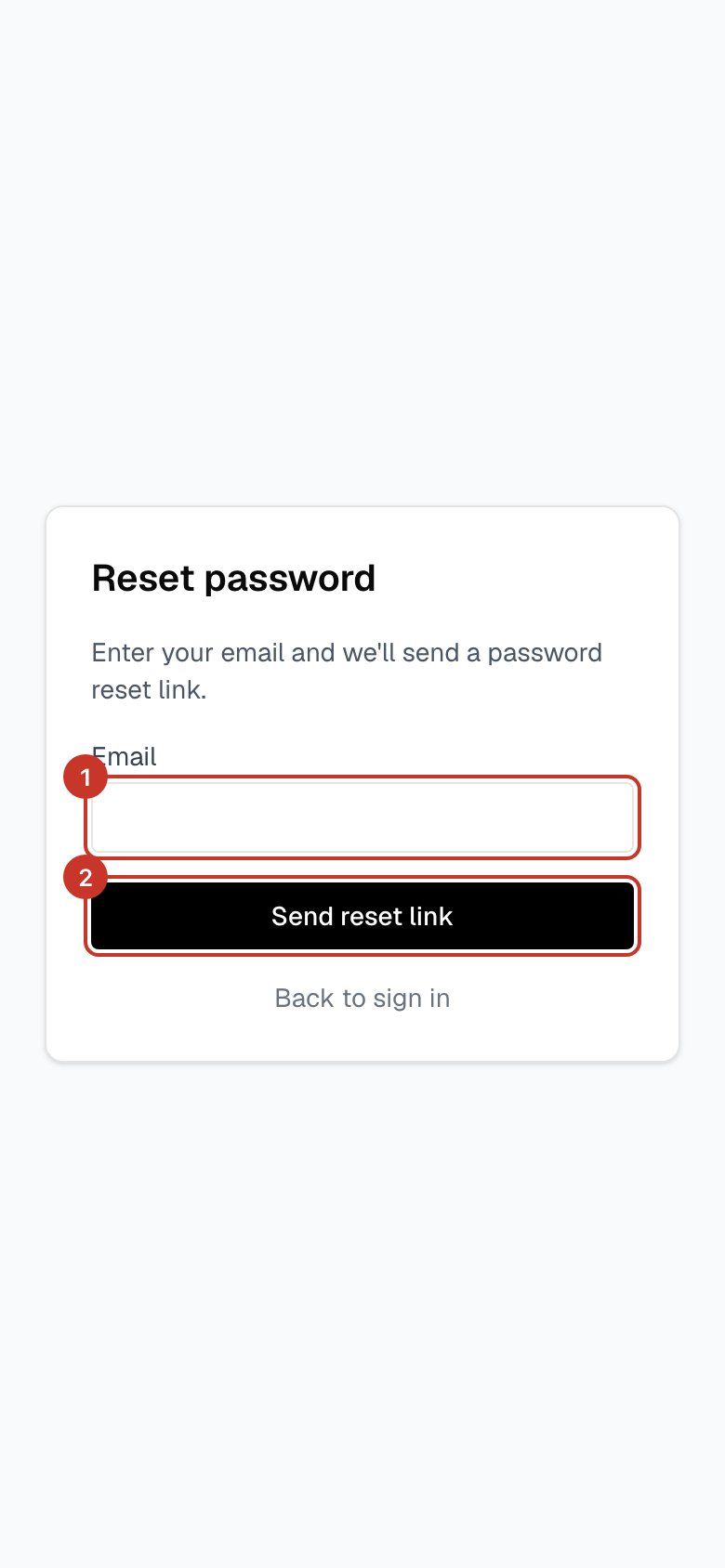
Step 3: Type your email address and select Send reset link. The page then says Check your email.
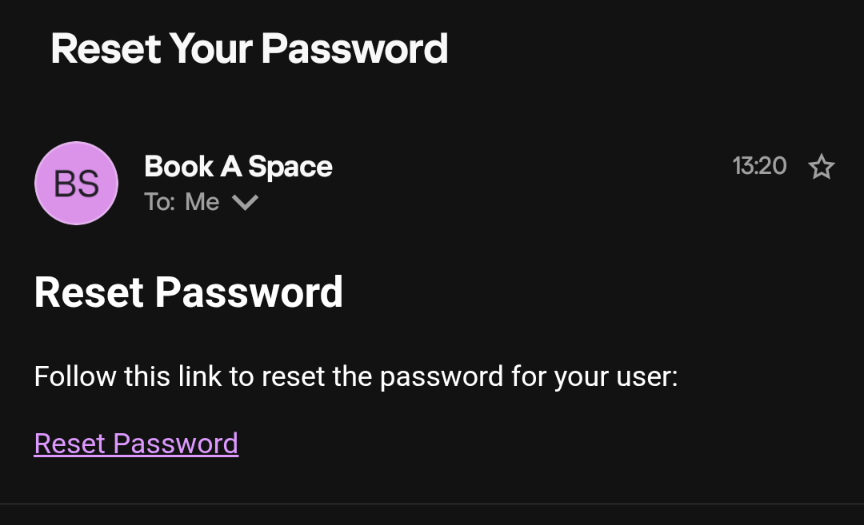
Step 4: Open the email from Book A Space titled Reset Your Password and select Reset Password.
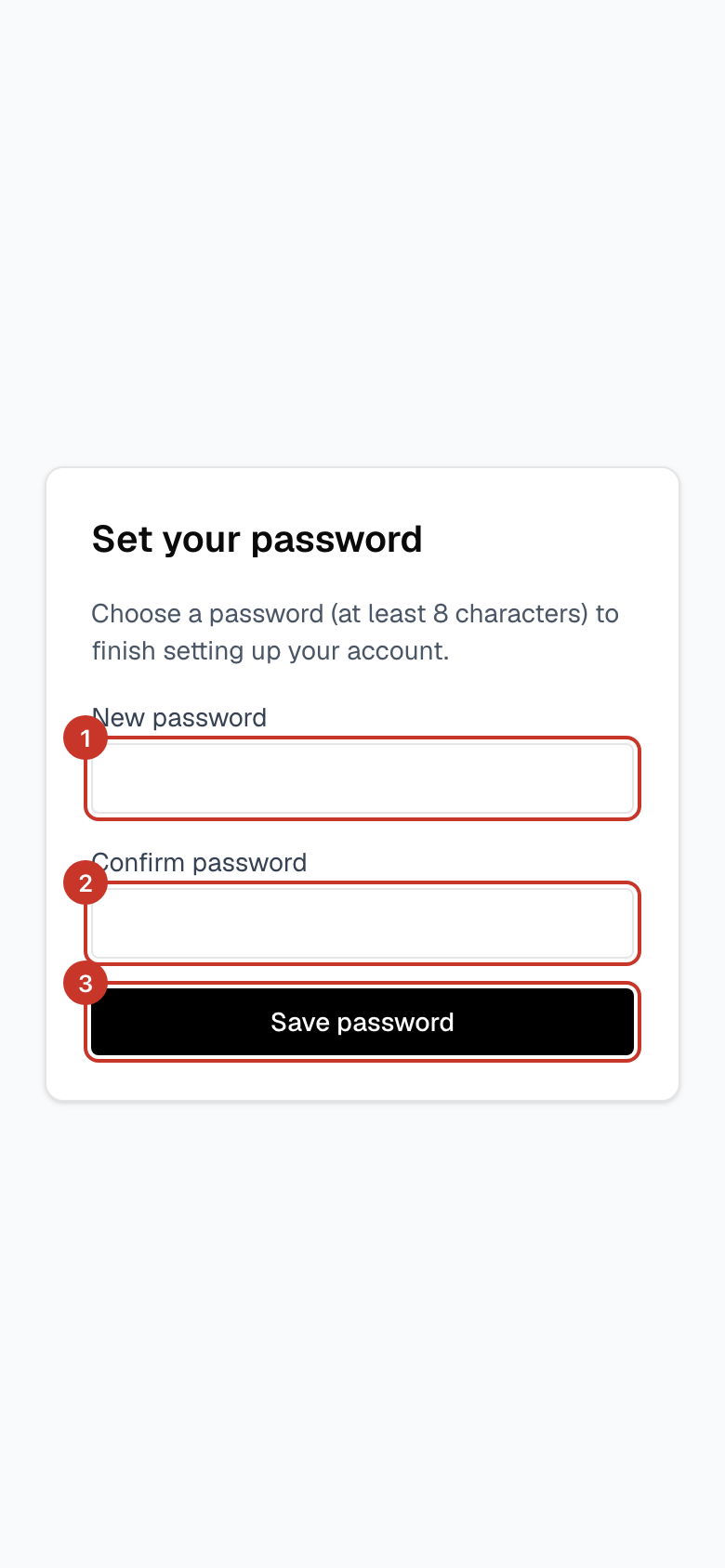
Step 5: Choose a new password of at least 8 characters, type it again to confirm, and select Save password.
What happens next
- You are signed in with your new password.
If something goes wrong
- The reset email has not arrived.
- Check spam or junk and make sure you used the email address your club has on file. Wait a couple of minutes, then try once more.
- I am sent back to the sign-in page after clicking the link.
- Open the link in the same browser you will use to sign in, and use it soon after it arrives.